Completely Configurable
|
All the controllers in DAWSound are completely configurable. Colors, sizes, ranges, MIDI data, OSC data, etc are all user-defined. |

|
ID Tags
|
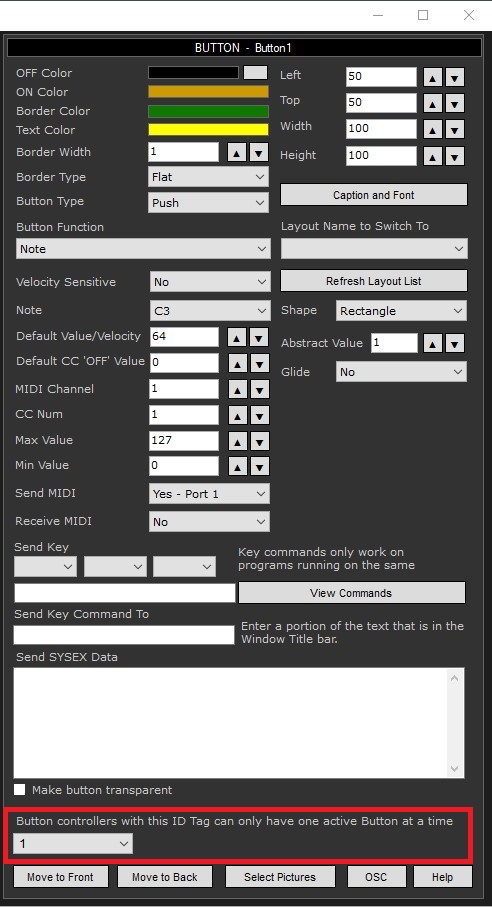
Buttons, MIDI Modifiers and Popup Layouts can have ID tags. When several Buttons, MIDI Modifiers or Popup Layouts have the same ID tag, then only one of these controllers can be 'On' at a time. Turning one of these controllers 'On' will autoamtically turn all the other Buttons, MIDI Modifiers and Popup Layouts 'Off' that have the same ID Tag. |
|
Controller Groups
|
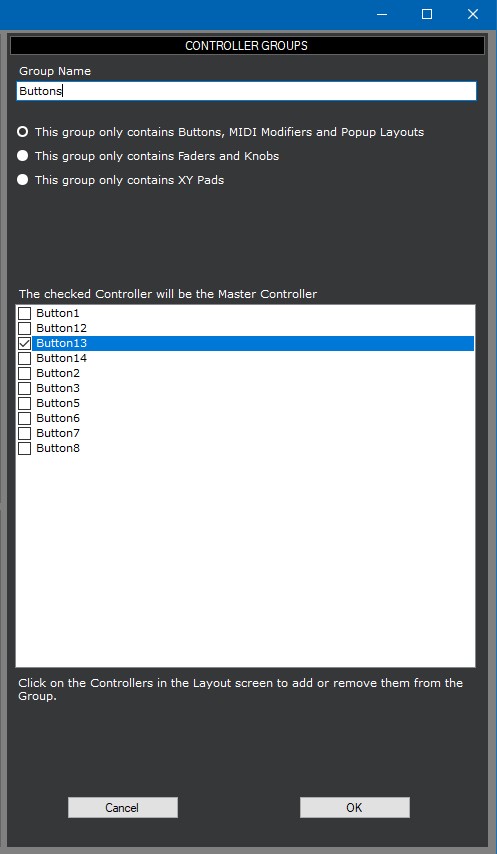
Controller Groups allow you to create groups of controllers that can control each other. For example, one Fader can update multiple Faders and one Button can turn other Buttons on and off. |
|
MIDI Monitor
|
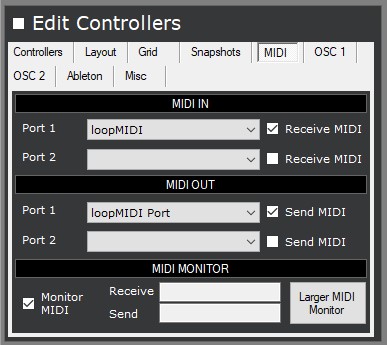
DAWSound can show incoming and outgoing MIDI data in real-time, so you can use DAWSound as MIDI monitor. |
|
OSC Monitor
|
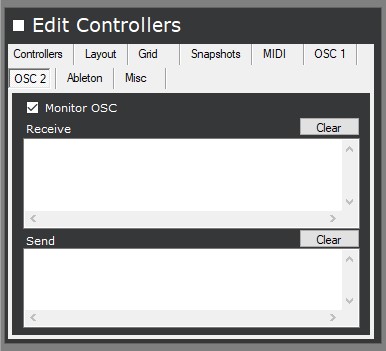
DAWSound can show incoming and outgoing OSC data in real-time, so you can use DAWSound as OSC monitor. |
|
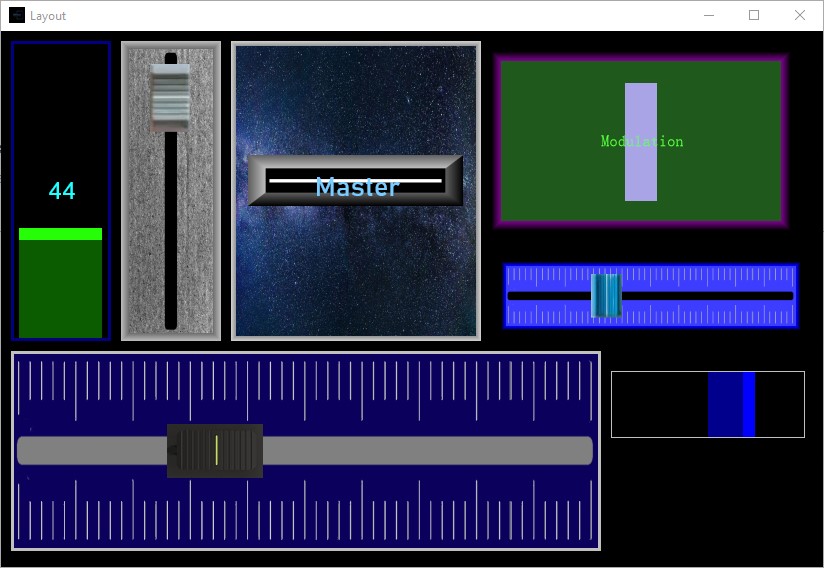
Fader Controller
|
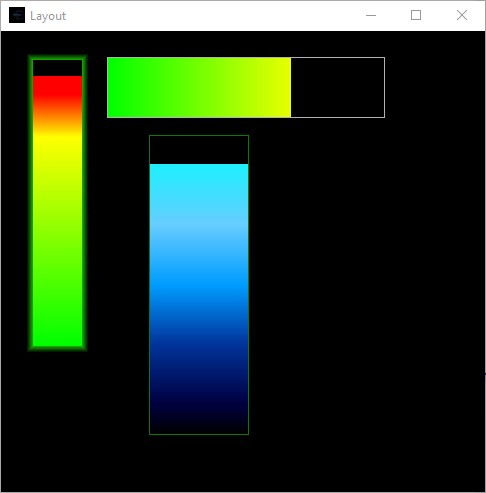
Faders can be horizontal or vertical, show or hide values, different knob styles, etc. They can work in reverse and have an auto-return value. |
|
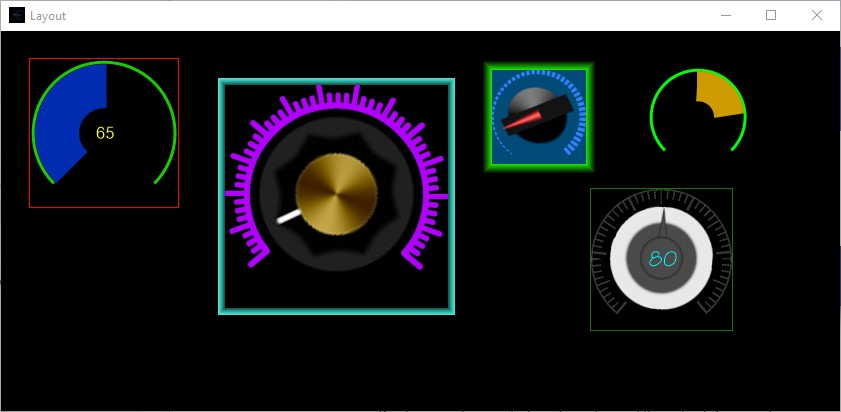
Knob Controller
|
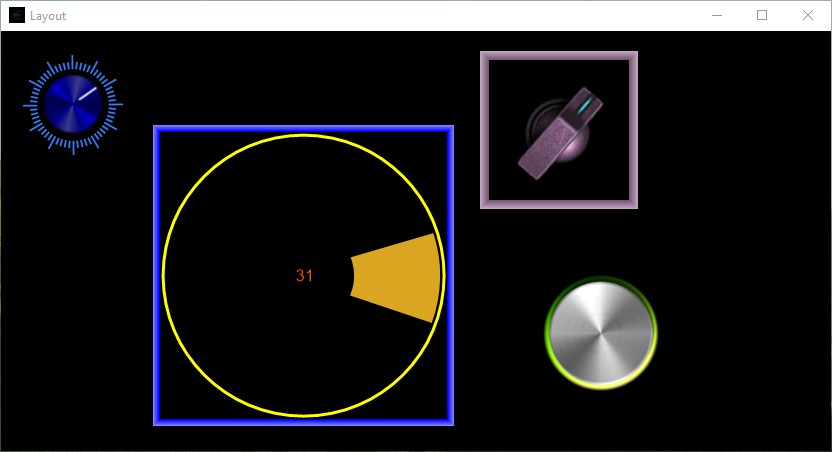
Knobs can show or hide values, have different rotation angles and have varying amounts of rotation. They can work in reverse and have an auto-return value. |
|
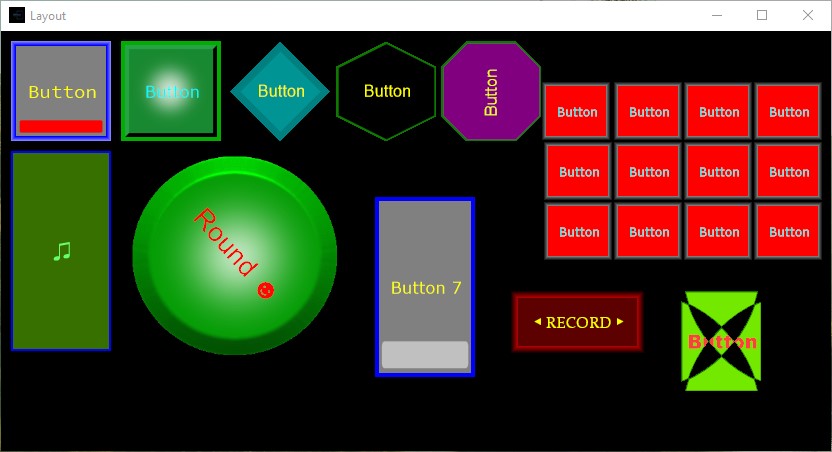
Button Controller
|
Buttons can send MIDI and OSC data, Note values, CC values or keyboard commands (such as SHIFT-A to any Windows program). |
|
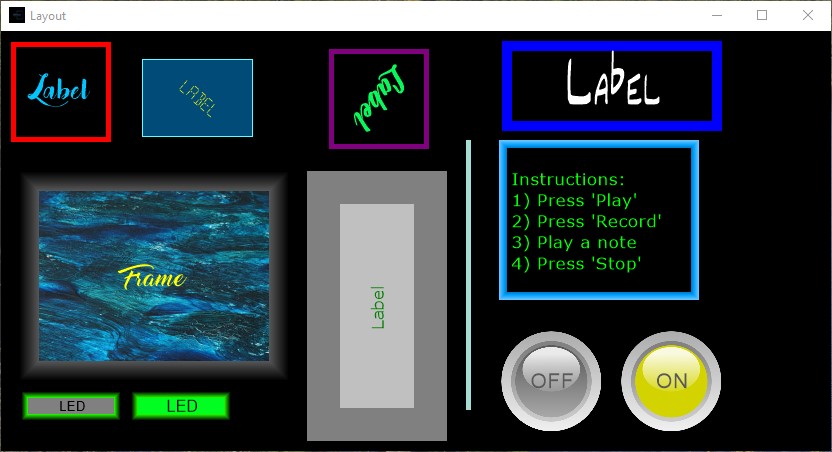
Label/Divider/LED Controller
|
Labels can be horizontal or vertical and various font sizes and colors. Labels can be used as dividers to create 'visual sections' in your Layout. Labels can also be used as off/on LEDs. |
|
XY Pad Controller
|
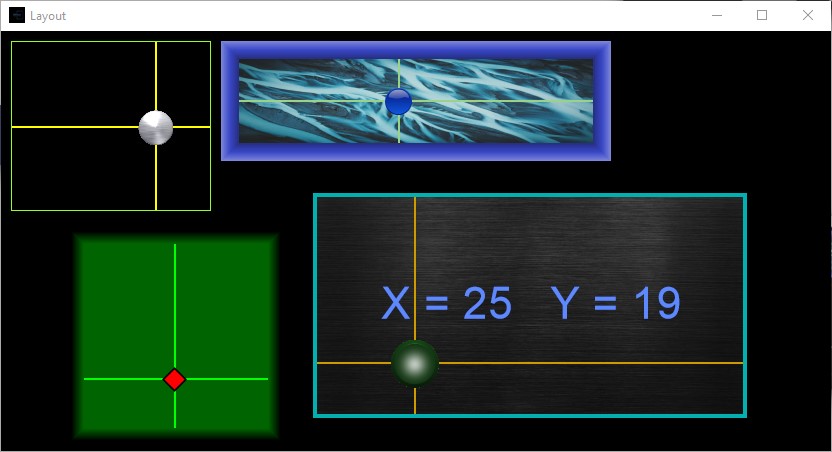
XY-Pads can send any 2 CC or Note values at the same time. The ranges for each CC value is user-definable. |
|
MIDI Modifier Controller
|
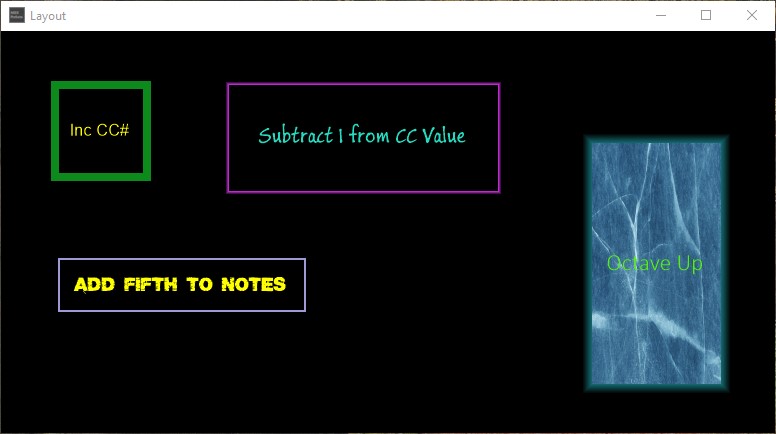
MIDI Modifier controllers allow you to modify incoming MIDI data and MIDI data from other controllers and then send out the modified MIDI data. |
|
Popup Layout Controller
|
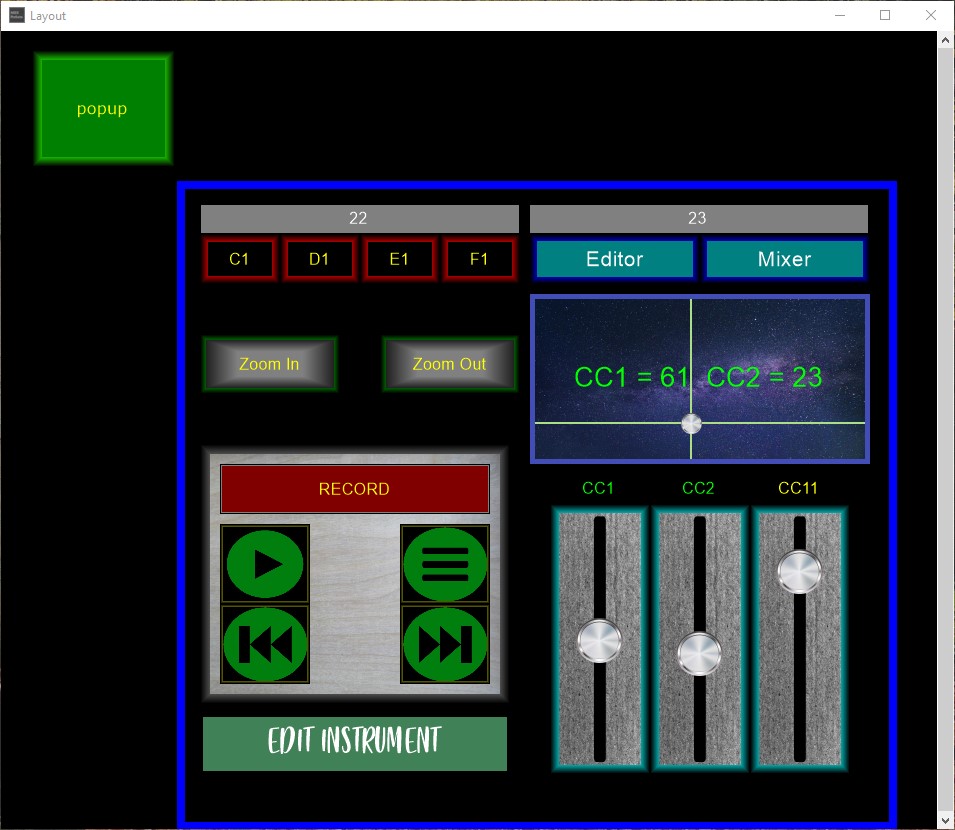
Popup Layout Controllers allow you to open an existing Layout on top of the current Layout. |
|
Button Matrix Controller
|
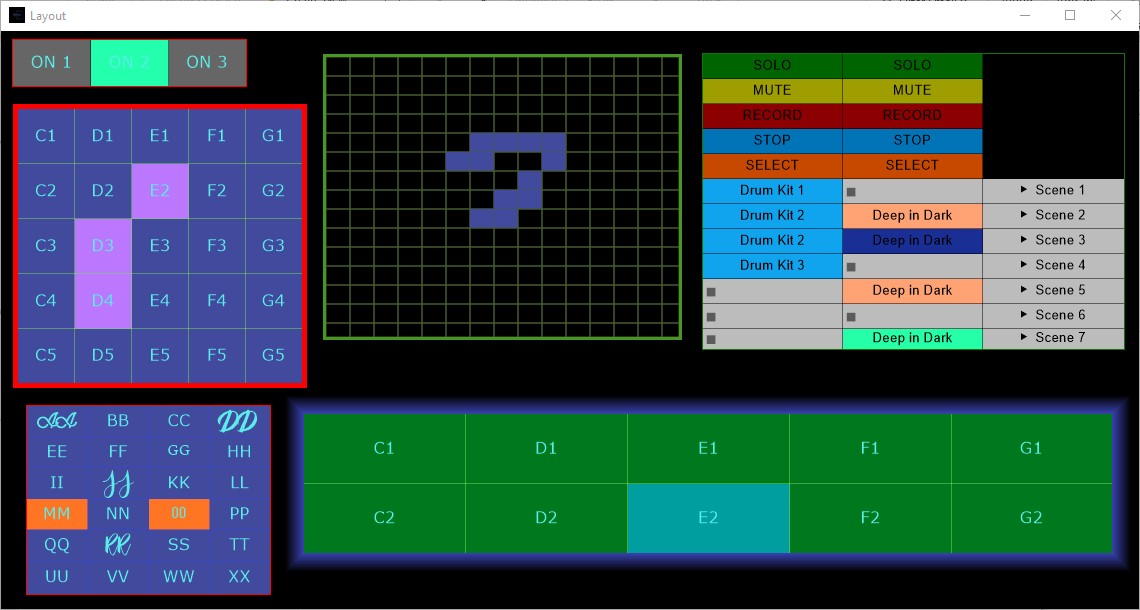
A Button Matrix controller is a grid of Buttons that can interact with each other. For example, only one button in the grid can be active at a time. This allows the Button Matrix controller to act as a radio button switch. Each button can have its' own color and functionality just like a regular Button controller. A Button Matrix controller can also be updated from an Ableton session and both programs can stay in sync with each other.
Buttons can do the following: |
|
Endless Encoder Controller
|
An Encoder controller is similar to a Knob controller except that it can be turned continuously. It can send absolute values or it can send relative values. These values are user-defined. |
|
Keyboard Controller
|
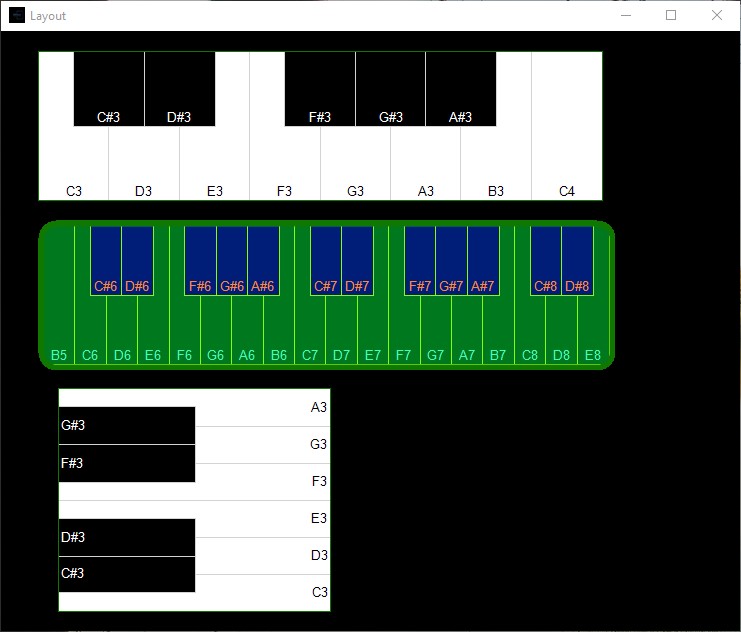
A Keyboard controller is a controller that works like a regular monophonic keyboard. The number of keys, the starting key and the colors are all configurable. |
|
VU Meter Controller
|
A VU Meter controller is a controller that shows incoming MIDI and OSC values that similar to real-life VU meters. |
|
Snapshots
|
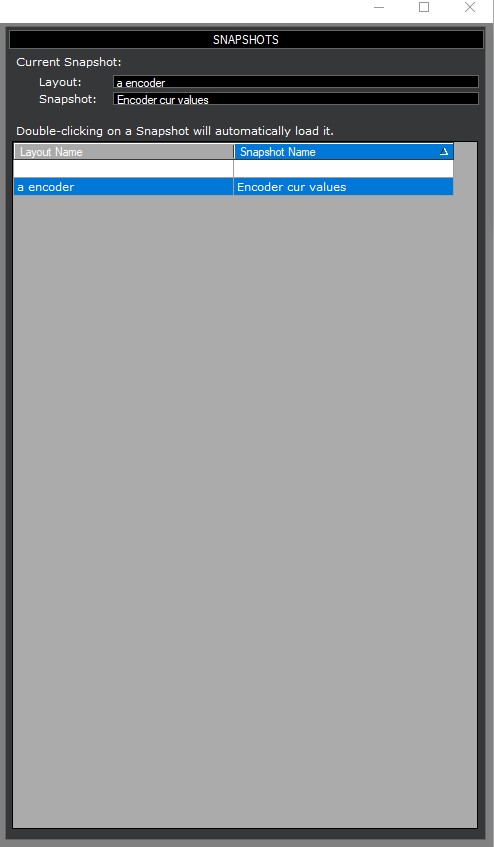
Snapshots save and restore the current state of all the controllers in the current Layout. Layouts can have multiple snapshots. |
|
Presets
|
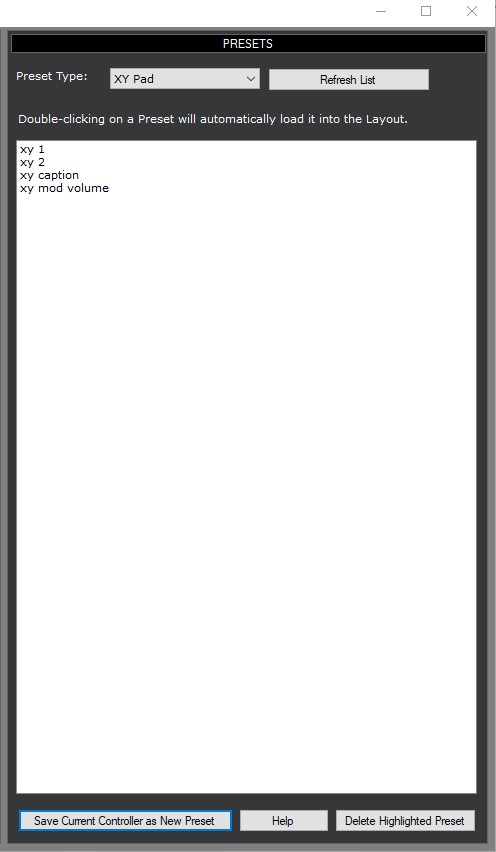
Presets allow you save any controller as a preset. This allows you create a library of custom-defined controllers that you can add to any Layout. |
|